

5 Signs Your Classroom AV Is Reaching End of Life

Classroom technology rarely fails all at once

More often, the signs start small. A projector isn’t quite as bright as it used to be. A screen takes longer to connect. Teachers have developed a very specific sequence of unplugging, restarting and crossing their fingers just to get a lesson underway. Sound familiar?

Across Queensland, ageing school infrastructure is firmly on the agenda. Recent Queensland Government reporting identified a $441 million renewal backlog and stated that one-third of state school assets had reached end of life.

At the same time, the Department of Education’s digital strategy recognises the importance of sustainable technology infrastructure in supporting digitally connected teaching and learning.

For schools, it’s a good reminder that classroom AV shouldn’t only be looked at when something finally stops working.
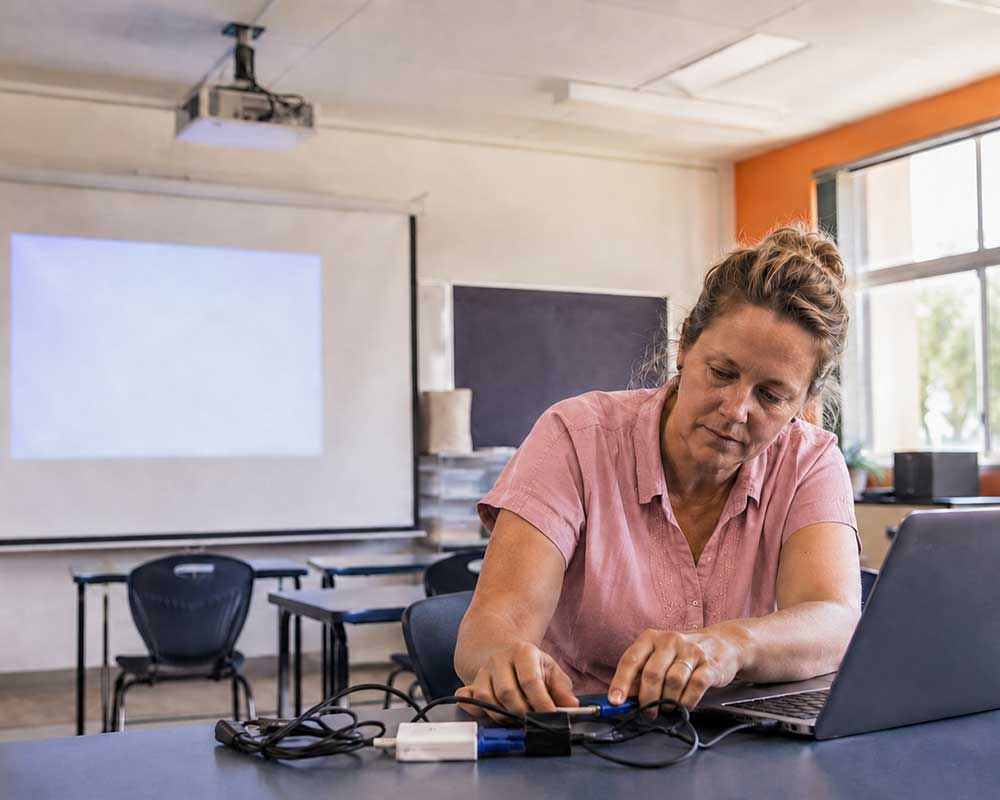
Here are five signs it may be time to start planning your next classroom AV refresh

This is often the biggest giveaway.

If teachers know that HDMI 1 doesn’t work, the wireless connection needs three attempts, or the projector has to be restarted between classes, the technology may technically still be operational, but it’s no longer doing its job properly.

Good classroom AV should make teaching easier, not become another thing teachers need to manage.

If workarounds have become part of the daily routine, it’s worth investigating why.

Technology is often replaced room by room as budgets allow.
Over time, that can leave a school with a mix of projectors, interactive panels, displays, connection methods, software and control systems.

Walk from one classroom to the next and the teacher may need to use an entirely different setup.

That inconsistency creates extra training and support requirements for staff and IT teams.

A refresh doesn’t necessarily mean replacing everything at once. Developing a longer-term classroom AV standard can help schools progressively upgrade while moving towards a more consistent experience.

The laptop might be new. The classroom display isn’t.

As devices, operating systems, connection standards and software change, older AV equipment can become increasingly difficult to integrate.

Adapters multiply. Wireless connections become unreliable. Features available on newer devices can’t be used because the classroom technology doesn’t support them.

Compatibility issues are a good reason to review the wider system rather than continuing to add another adapter or workaround.

An occasional fault is normal.
Repeated faults across multiple classrooms are different.

If your IT team or AV provider is regularly being called to troubleshoot the same equipment, replacement may make more financial sense than continuing to repair ageing technology.

There is also the question of parts, warranties and manufacturer support. As equipment gets older, replacement components can become harder to source and some products will no longer receive software or firmware updates.

That’s when a “cheap repair” can start becoming an expensive way of delaying the inevitable.

This is the sign we think matters most.
Classroom AV exists to support teachers and students.

If teachers want to annotate content, share student work, move around the classroom, collaborate on-screen or connect devices wirelessly, but the existing system makes those things difficult or impossible, the technology may no longer suit the classroom.

That doesn’t automatically mean you need the newest interactive panel with every available feature.

It means the technology should match how your teachers actually teach.

Don’t Wait Until Everything Starts Failing

Classroom AV upgrades don’t need to become emergency projects.

Planning early gives your school time to identify priority rooms, manage budgets and stage upgrades across future terms and holidays. It also avoids replacing equipment that still has years of useful life left.

The first step is knowing what you’ve got.

Start With a Classroom AV Health Check

MacroSphere’s 30 Point AV Check helps Queensland schools identify ageing equipment, potential faults and practical upgrade priorities.

Is your classroom AV showing its age?
Talk to our team about planning your next classroom refresh before a screen goes black mid-lesson.

Macrosphere – Your Classroom Audio Visual Experts

POST TAGS

Our Specialist AV Service